Toolkits
 | Quiver |
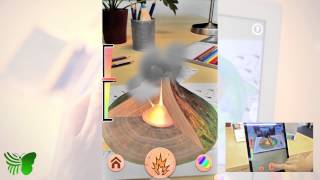
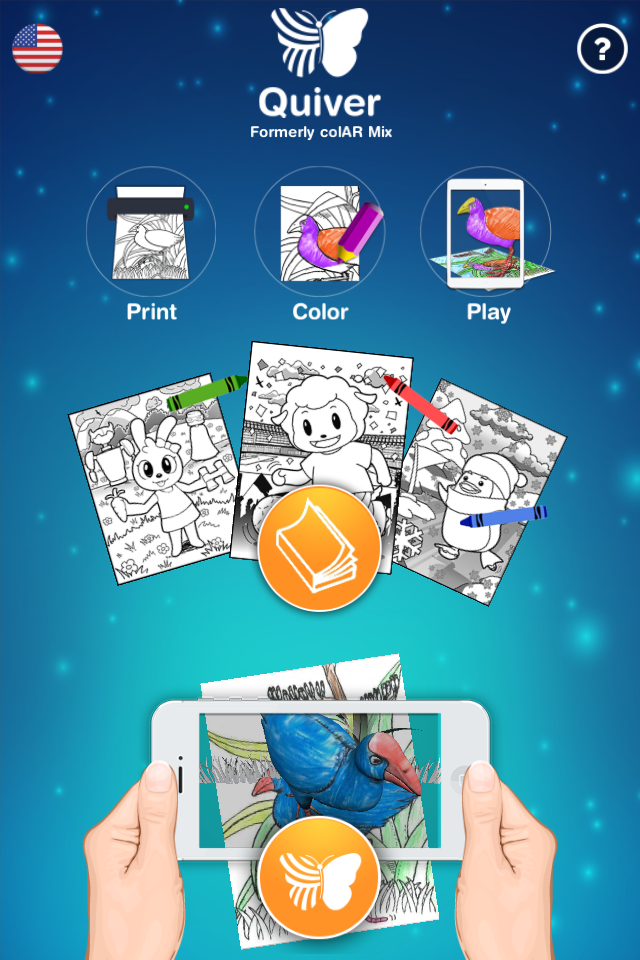
Quiver is an augmented reality app which brings your colouring pages to life using a phone or tablet. Simply print one of the Quiver templates and colour it in however you would like. Then open the Quiver app, hold it in front of your coloured picture and see it jump out of the page!
Look for a template that is similar to one of the characters of objects in your book. For example, you could create your own dragon to go with your book about dragons.
Instructional Videos


How do I share my creation to The Living Library?
- Whilst holding your device over the coloured pictures, top open the menu on the right
- Tap the video icon
- Tap ‘App Audio’ or ‘App + Microphone’ to record a video of your augmented picture
- Upload the video to YouTube or Vimeo
- Copy the video link and paste into the book on The Living Library
Using an extension:
-
To simplify the process there is also an extension which you can install (‘SketchUp to Sketchfab.com Uploader’) https://sketchfab.com/exporters/sketchup
Install the extension from the Extension Warehouse in the Window menu
Once installed you can upload your models directly from Sketchup to Sketchfab
Once your model has been added to Sketchfab, copy the link and paste it into the book on The Living Library.
Your model will be embedded into the book so you can move it around





User added media on Quiver
Be the first to comment
Please login to add media